
Nexus Game Controller
A game controller using a Seeed Studio XIAO nRF52840 Sense board that emulates a Bluetooth keyboard.
Hardware
-
1 pcs Seeed Studio XIAO nRF52840 Sense
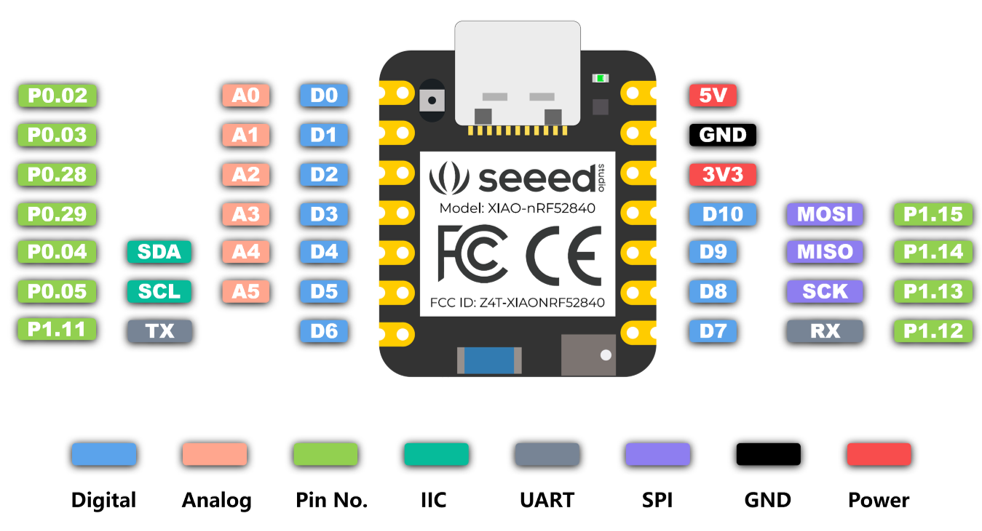
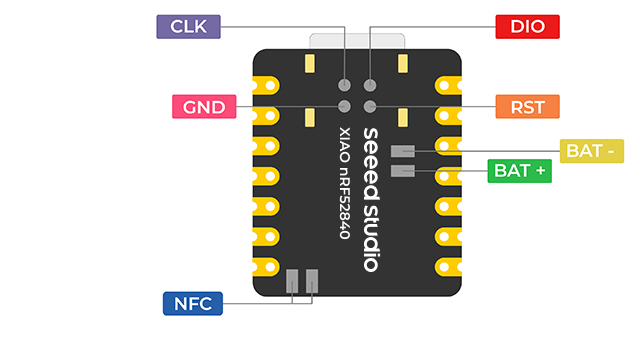
-
1 pcs Battery Small
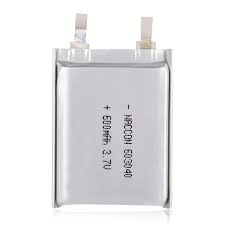
-
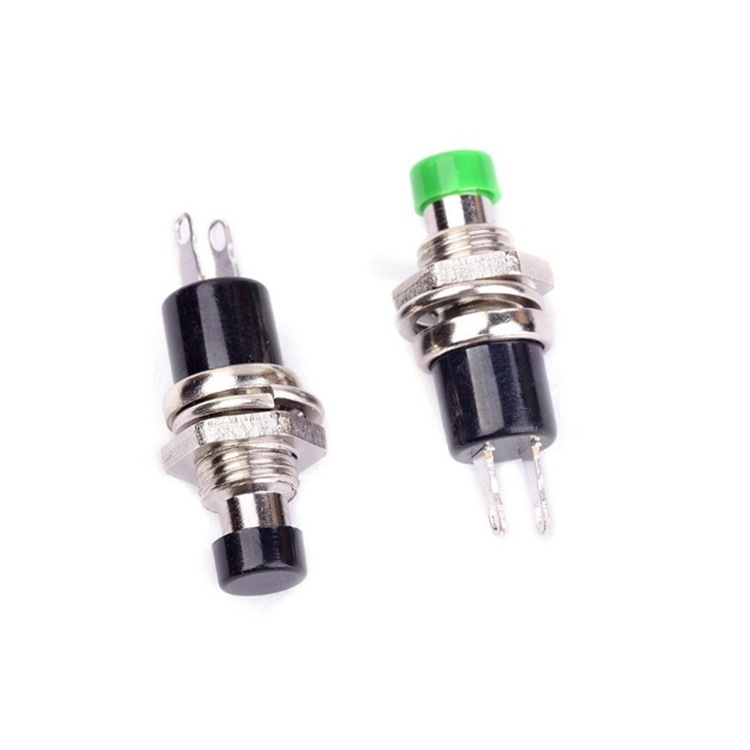
6 pcs Push Buttons connected to pins D1-D6.
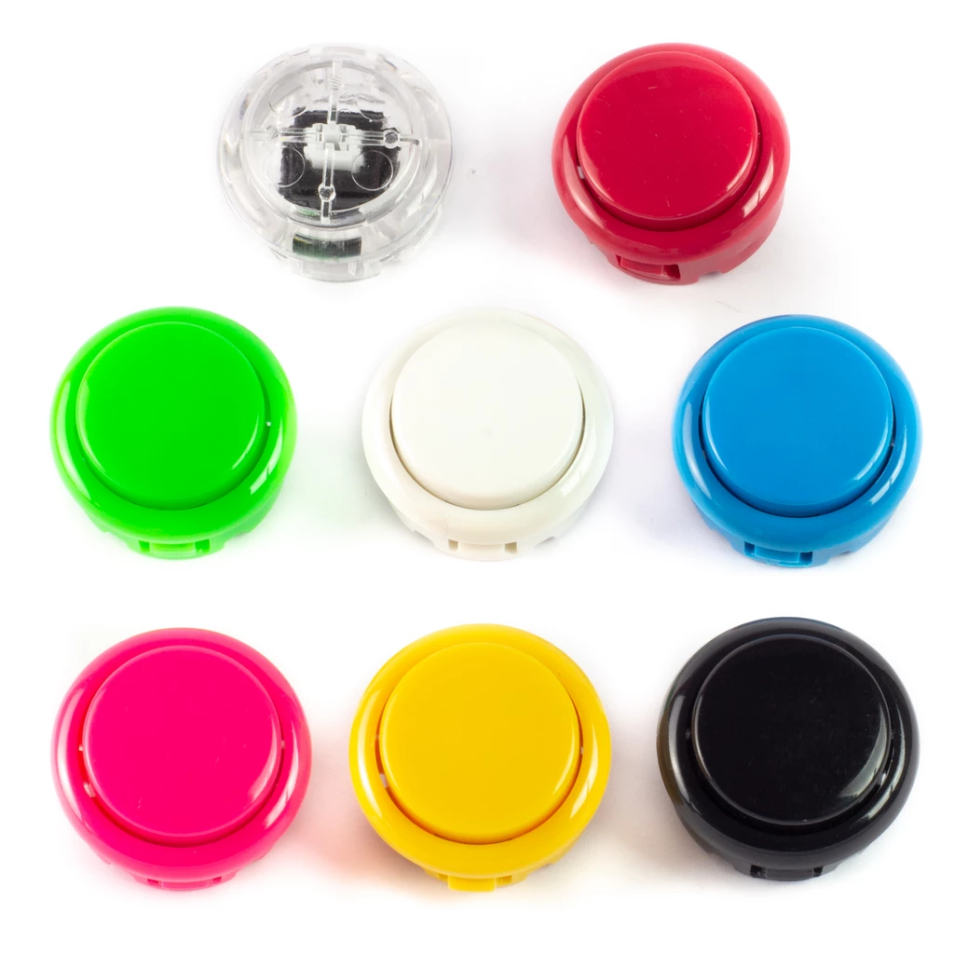
-
3 pcs Push Buttons connected to pins D8-D10.
-
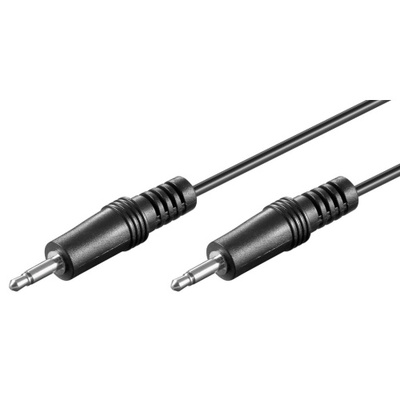
3 pcs cables with Jack 3,5mm mono
-
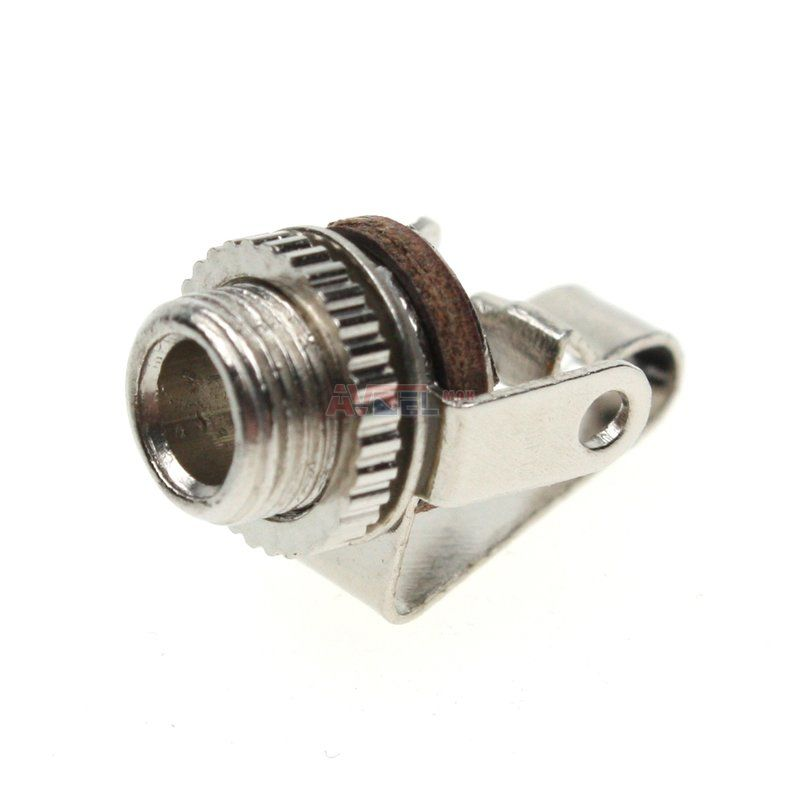
6 pcs Panel Mounting 3.5mm Mono Jack Socket
-
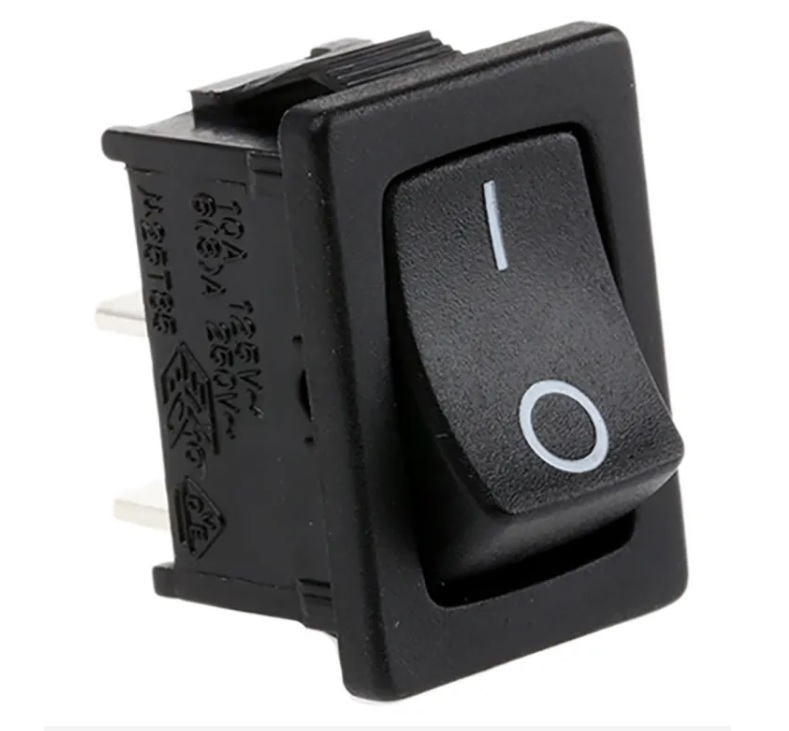
1 pcs Power Switch


Features
- Bluetooth LE Keyboard: Connects to any computer or mobile device as a standard keyboard.
- Multi-Event Buttons: Each of the 9 buttons supports three types of interactions:
- Single Click
- Double Click
- Long Press
- Character Mapping: Each button event sends a unique character.
- Serial Debugging: Outputs button events and Bluetooth connection status to the serial monitor.
Schema
Connect each button to its corresponding pin. For reliable input readings add hardware debouncing: use a pull-up resistor 10 kΩ and an RC filter with a 100 nF capacitor across the switch — an RC time constant around 1 ms works well.

Button Mappings
| Button | Single Click | Double Click | Long Press |
|---|---|---|---|
| D1 | a |
b |
c |
| D2 | d |
e |
f |
| D3 | g |
h |
i |
| D4 | j |
k |
l |
| D5 | m |
n |
o |
| D6 | p |
q |
r |
| D8 | s |
t |
u |
| D9 | v |
w |
x |
| D10 | y |
z |
1 |
How to Use
- Setup Arduino IDE:
- Install the "Seeed nRF52 Boards" package.
- Select "Seeed XIAO BLE Sense - nRF52840" as the board.
- Install the "Adafruit Bluefruit nRF52" library.
- Upload: Compile and upload the sketch to your XIAO board.
- Connect: Scan for Bluetooth devices on your computer or mobile device and connect to "Nexus Game Controller".
- Play: Press the buttons to send keystrokes. Open the Serial Monitor at 115200 baud to see debug information.
3D Print

You can import the 3mf file to your slicer for printing.
Customize your design
Open the 3D model in FreeCAD to model your changes.
Final Product
